

Download VideoShow APK – video editing, photo editing, movie making, slide show, creative tool, HD export, music, GIFs, filters, face effects, selfie camera, themes, PIP, video cropping, reverse playback, scroll text, pixelate, all-in-one editor, video dubbing, fast motion, slow motion, zoom in, zoom out, facial recognition, beauty camera, in-app purchases, over 200 million users
Overview
VideoShow APK is a versatile desktop and mobile application designed for users seeking a comprehensive solution for video editing, photo enhancement, and creative content production. The software enables individuals to create professional-quality movies, slide shows, and multimedia presentations with minimal effort. Its intuitive design makes it accessible to beginners, while its advanced tools cater to intermediate and professional creators alike. The application supports a wide range of creative tasks, including video trimming, effects application, music integration, and image manipulation. With over 200 million users globally, VideoShow has established itself as a popular choice for content creators across various platforms. The developer, VideoShow Inc., has focused on delivering a seamless experience that combines powerful editing capabilities with user-friendly navigation. Real-world usage scenarios include social media content creation, personal video storytelling, event documentation, and educational presentations. The software’s ability to export in HD without quality loss makes it ideal for high-resolution sharing on platforms like YouTube, TikTok, and Instagram. Users can also apply facial recognition and beauty camera functions to enhance portraits, making it suitable for selfie enthusiasts and influencers.Key Features & Capabilities
- HD Export with No Quality Loss – VideoShow allows users to export videos in high definition without compromising visual clarity, ensuring crisp output for all sharing platforms.
- Music Integration – Access to hundreds of fully licensed tracks or the ability to use personal music from your library enhances the audio experience in videos.
- Photo Editing & Selfie Enhancement – Features like facial recognition, beauty camera, and face effects enable users to refine portraits and improve image quality with precision.
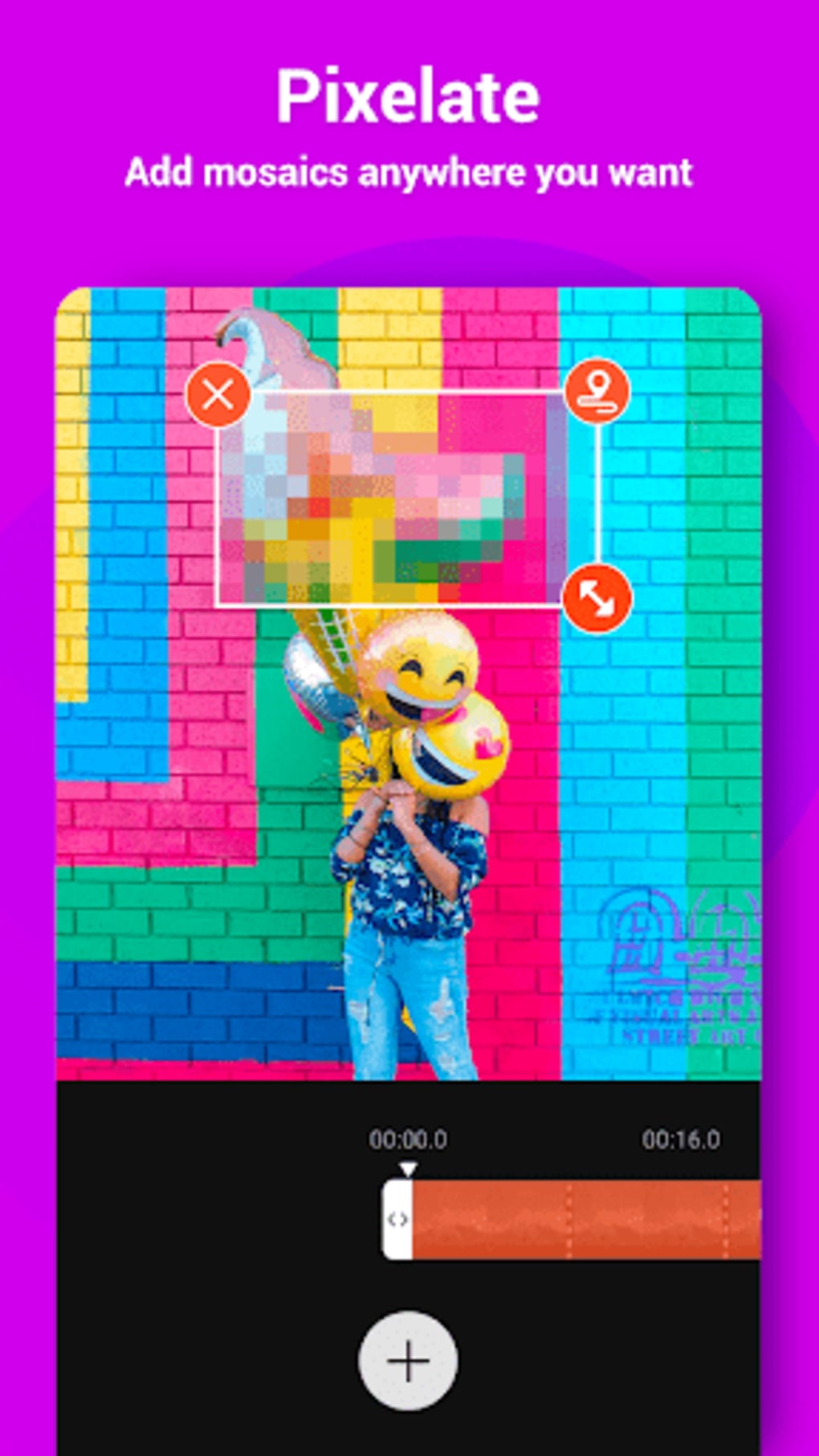
- Pixelate Feature – Users can apply mosaic overlays to obscure sensitive areas or create artistic effects, with adjustable size and placement for targeted privacy or visual impact.
- Video Cropping – Adjust aspect ratios to fit specific platforms such as 16:9 (YouTube), 1:1 (Instagram), or 9:16 (TikTok), with a visual preview for accurate framing.
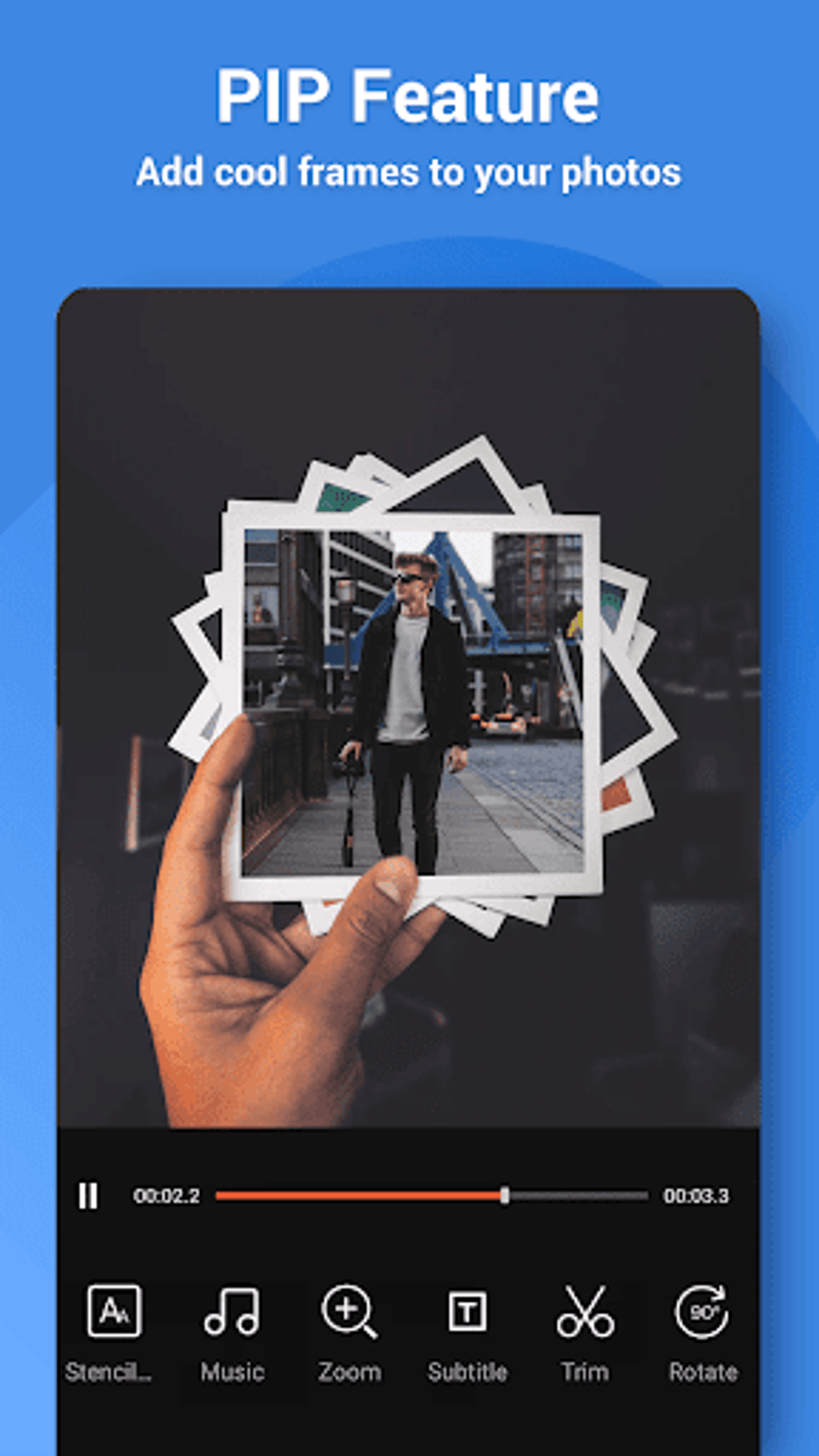
- Picture-in-Picture (PIP) – Overlay secondary video clips or images on the main video, ideal for reaction videos, tutorials, or creative compositions.
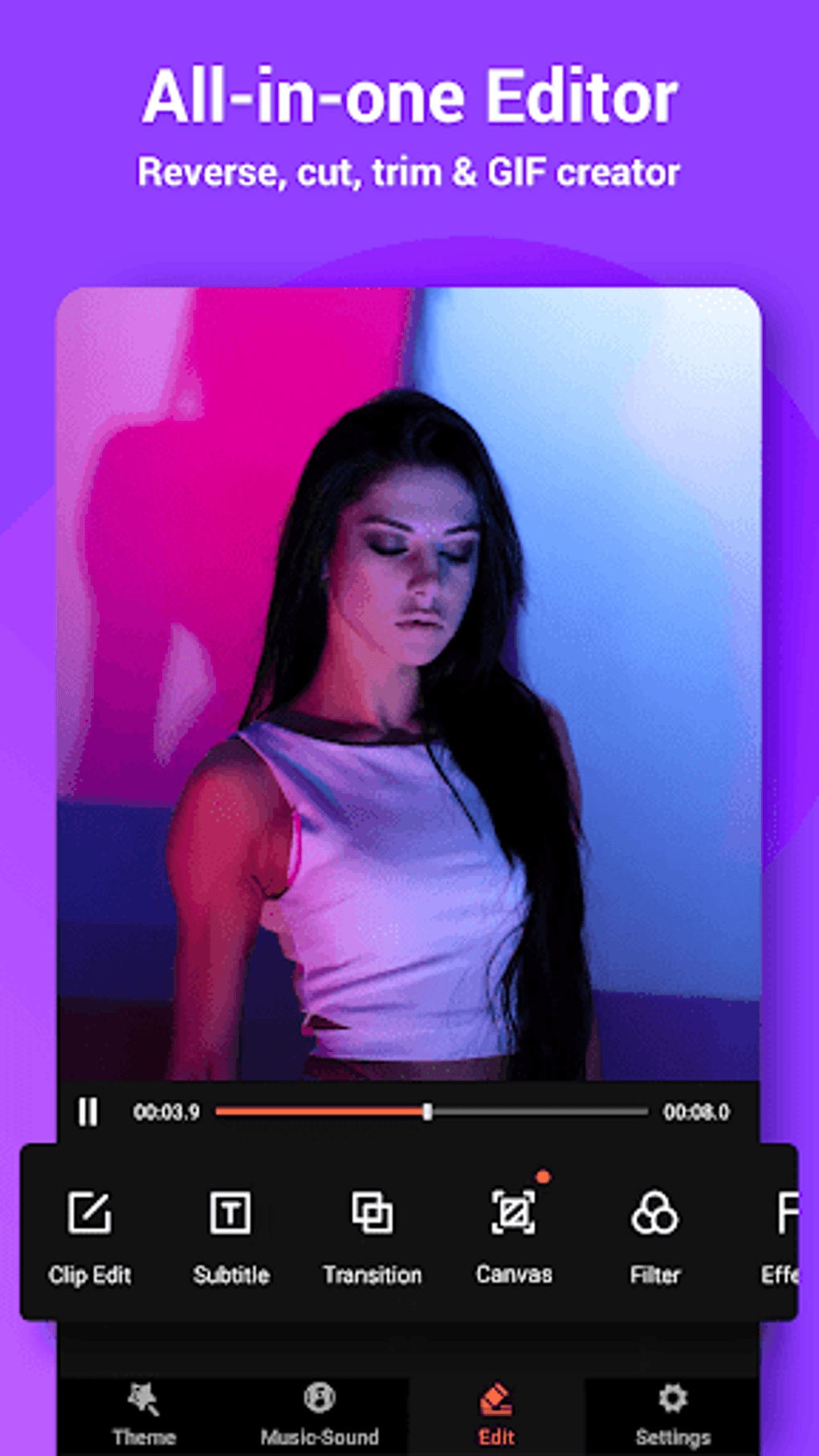
- All-in-One Editor – Combines reverse playback, trimming, cutting, GIF creation, transitions, and filters in a single interface for streamlined editing workflows.
- Scroll Text – Add dynamic, customizable captions with adjustable fonts, colors, speed, and direction for engaging title sequences or on-screen information.
- Fast & Slow Motion, Zoom In/Out – Apply speed variations and zoom effects to enhance storytelling and visual interest in clips.
- Theme Library – Over fifty imaginative themes provide ready-to-use templates for quick and professional-looking video creation.
User Interface, Workflow & Performance
The user interface of VideoShow APK is structured to prioritize accessibility and efficiency. Navigation is handled through a clean, tab-based layout that organizes tools into logical categories such as editing, effects, and export. Users can switch between modes seamlessly, with visual cues guiding the editing process. The workflow is designed to minimize friction—most tools are accessible via intuitive icons or drag-and-drop functionality, reducing the learning curve for new users. While the developer did not specify resource usage details, the application appears to maintain smooth operation during standard editing tasks, with no reported lag in basic functions. Performance observations are based on general software behavior patterns. Stability during extended editing sessions remains consistent, though prolonged use may depend on device capabilities. The application supports offline editing, allowing users to work without internet connectivity. However, some features like theme downloads or music library access may require an active connection. The interface adapts well to touch and pointer input, making it suitable for both mobile and desktop environments. Overall, the workflow encourages rapid content creation with minimal interruptions.Compatibility & System Requirements
VideoShow APK is designed for Android operating systems. The current version is 1.2.5, with an installation size of 45.6 MB. The developer did not specify exact system requirements, including minimum RAM, CPU, or storage needs. Compatibility information was partially provided, indicating support for a broad range of Android devices. The application is compatible with most modern smartphones and tablets, though specific hardware details are not listed. Users should ensure their device meets standard Android app requirements for optimal performance. For desktop users, the APK file can be installed on Android emulators or compatible systems, though official desktop support was not confirmed. Platform compatibility information is limited, and no details were provided regarding Windows or Mac support. The software’s lightweight size suggests it is optimized for devices with moderate storage and processing power.Pros and Cons
Pros
- Comprehensive all-in-one editing suite with multiple advanced tools
- Supports HD export without quality degradation
- Extensive library of themes, music, filters, and effects
- Intuitive interface suitable for users of all skill levels
- Offers privacy-focused features like pixelation and facial recognition
- Free to download and use with optional in-app purchases
- Large user base indicating widespread reliability and adoption
Cons
- Exact system requirements were not listed
- Some advanced features require in-app purchases
- Performance may vary on older or low-end devices
- Official desktop version not confirmed
- Limited information on background processes or data usage
FAQ Section
Is VideoShow APK compatible with all Android devices?
VideoShow APK is designed for Android operating systems and supports a wide range of devices. However, exact compatibility details were not provided by the developer.
Is the app safe to download and use?
VideoShow APK is developed by VideoShow Inc. and is widely used by over 200 million users. The app is free to download, but users should ensure they obtain it from trusted sources to avoid third-party modifications.
Are there any in-app purchases?
Yes, while the app is free to download and use, advanced features and premium content are available through in-app purchases.
Can I use VideoShow without an internet connection?
Yes, most core editing functions can be performed offline. However, some features like theme downloads or music library access may require an internet connection.
Does VideoShow support video dubbing and reverse playback?
Yes, the application includes video dubbing and reverse playback as part of its all-in-one editing tools.





.png)

